6. Source brightness models
Once a ray arrives at a plane at position $\boldsymbol{\beta}$, the brightness of each source object at that plane is evaluated. The elliptically-weighted separation from the source centre is:
\[\mathbf{d} = \boldsymbol{\beta} - (c_x, c_y), \qquad \begin{pmatrix}x_r \\ y_r\end{pmatrix} = R(-\varphi)\,\mathbf{d}, \qquad r_\text{ell}^2 = x_r^2 + (y_r/q)^2\]where $R(-\varphi)$ rotates by $-\varphi$ to align with the source axes. Note: $r_\text{ell}$ differs from the lens elliptical radius $r_e$ by a factor of $q$, reflecting different conventions in their respective fields. For sources, $\sigma$ is the semi-major axis of the brightness isophote (the standard in galactic photometry). For lenses, the Kormann et al. (1994) convention keeps the deflection scale $b$ independent of $q$.
| Symbol | Meaning |
|---|---|
| $(c_x, c_y)$ | Source centre (arcsec) |
| $\varphi$ | Position angle of major axis (radians) |
| $q$ | Axis ratio minor/major, $0 \lt q \leq 1$ |
| $\sigma$ | Scale radius (arcsec) |
| $A$ | Amplitude (peak surface brightness) |
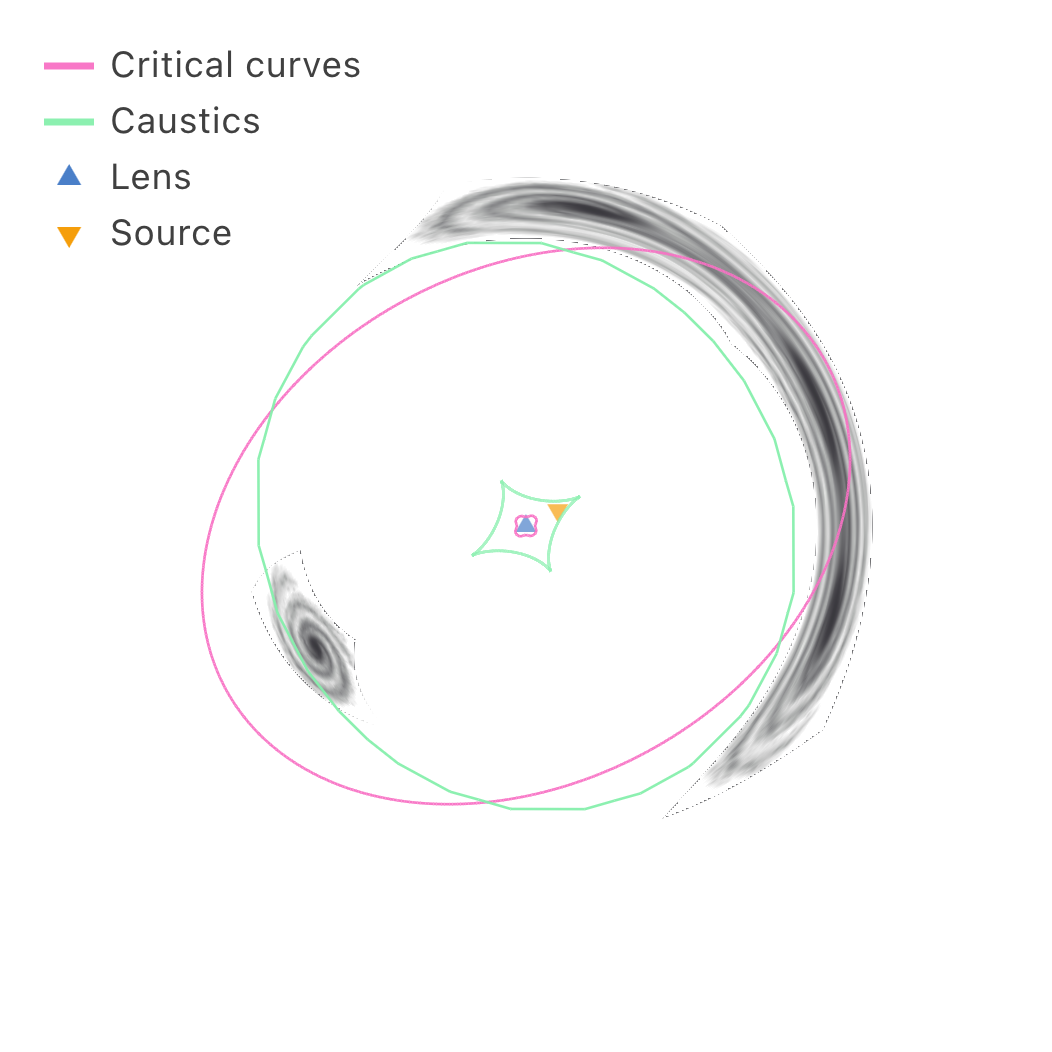
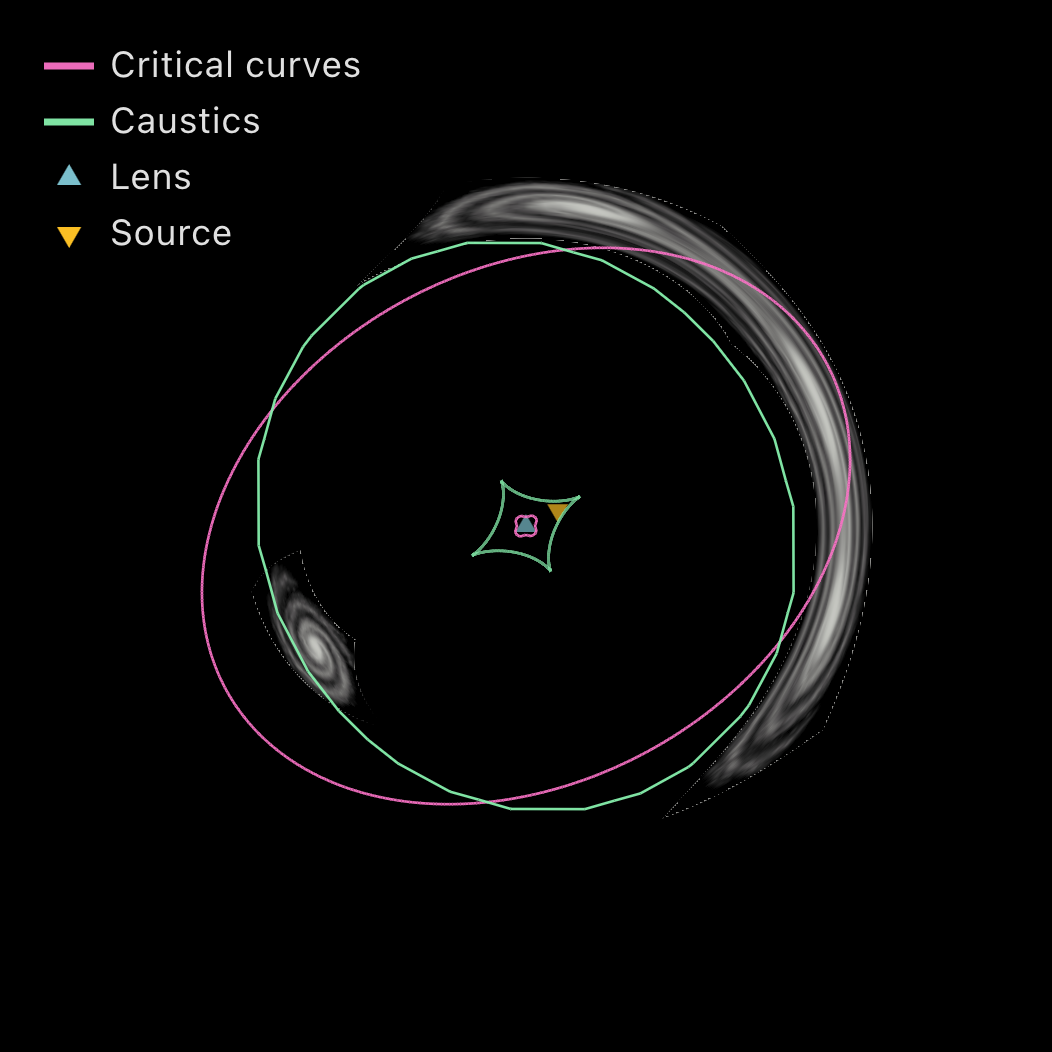
Gaussian
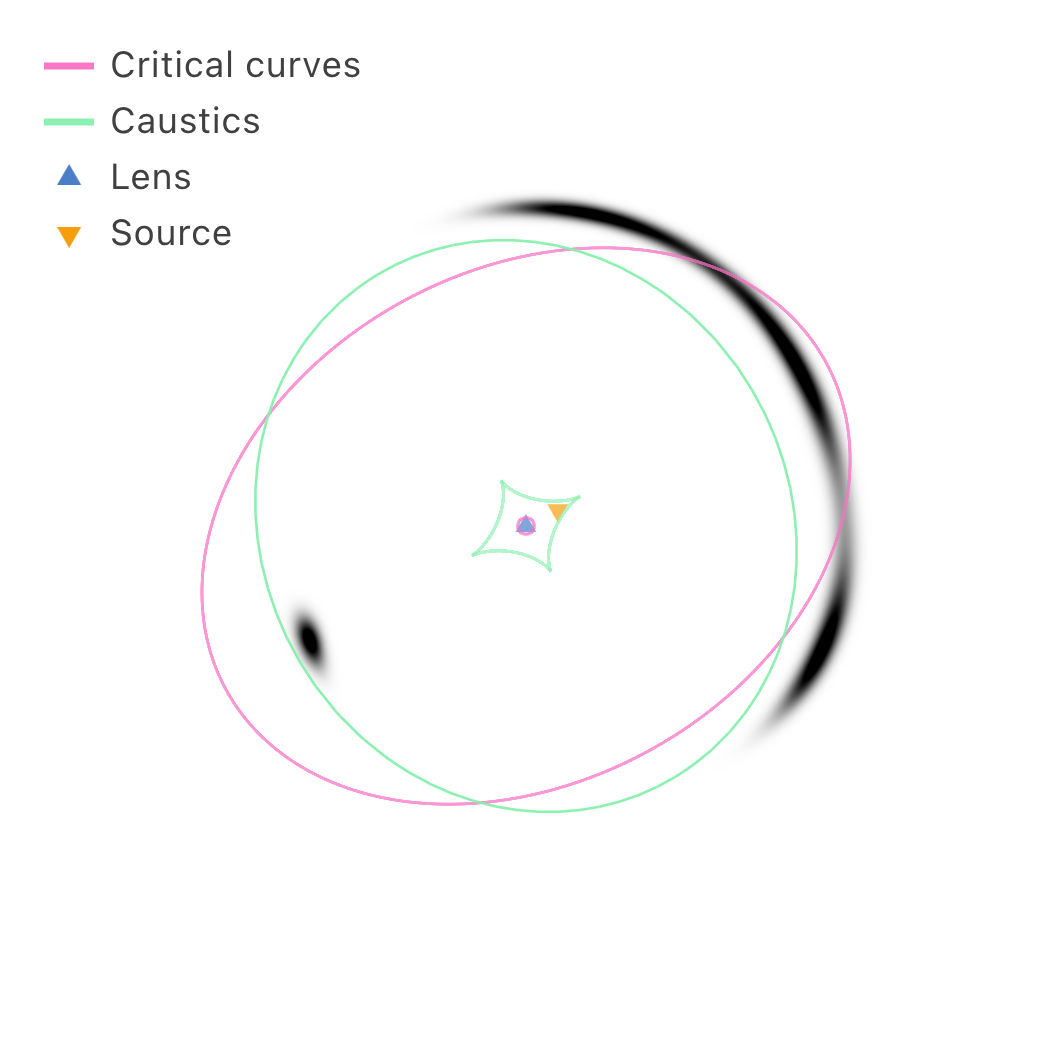
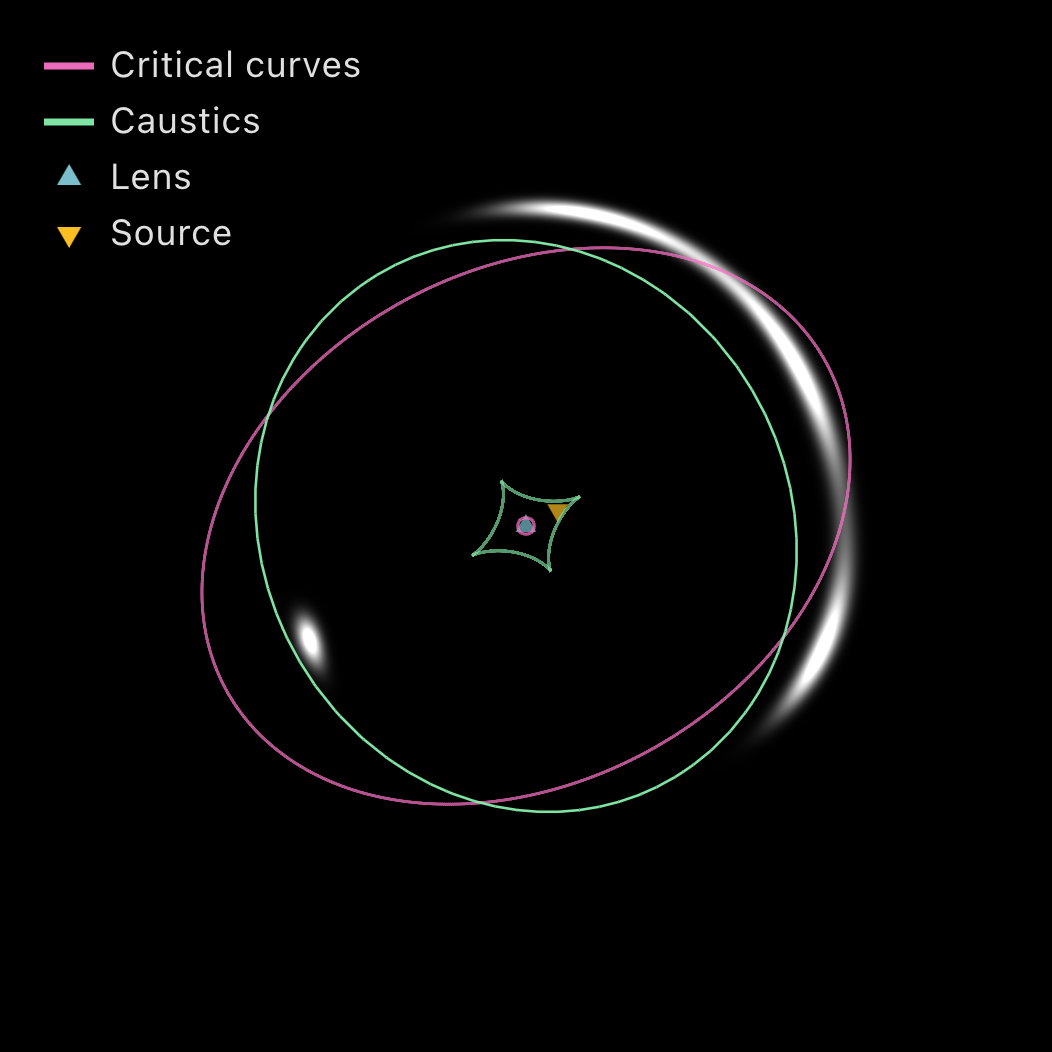
\[I = A\exp\left(-\frac{r_\text{ell}^2}{2\sigma^2}\right)\]The Show Shape ellipse is drawn at $r_\text{ell} = 2\sigma$.
Exponential
\[I = A\exp\left(-\frac{r_\text{ell}}{\sigma}\right)\]More extended than Gaussian; $\sigma$ is the exponential scale length. This is a Sérsic profile with $n=1$.
Uniform disc
\[I = \begin{cases} A & r_\text{ell} \leq \sigma \\ 0 & \text{otherwise} \end{cases}\]A filled ellipse of constant brightness with a sharp edge, using the same elliptical radius $r_\text{ell}$ as the other analytic sources. $\sigma$ is the semi-major-axis radius, $q$ the axis ratio ($q = 1$ gives a circle), and $\varphi$ the position angle of the major axis.
Point source
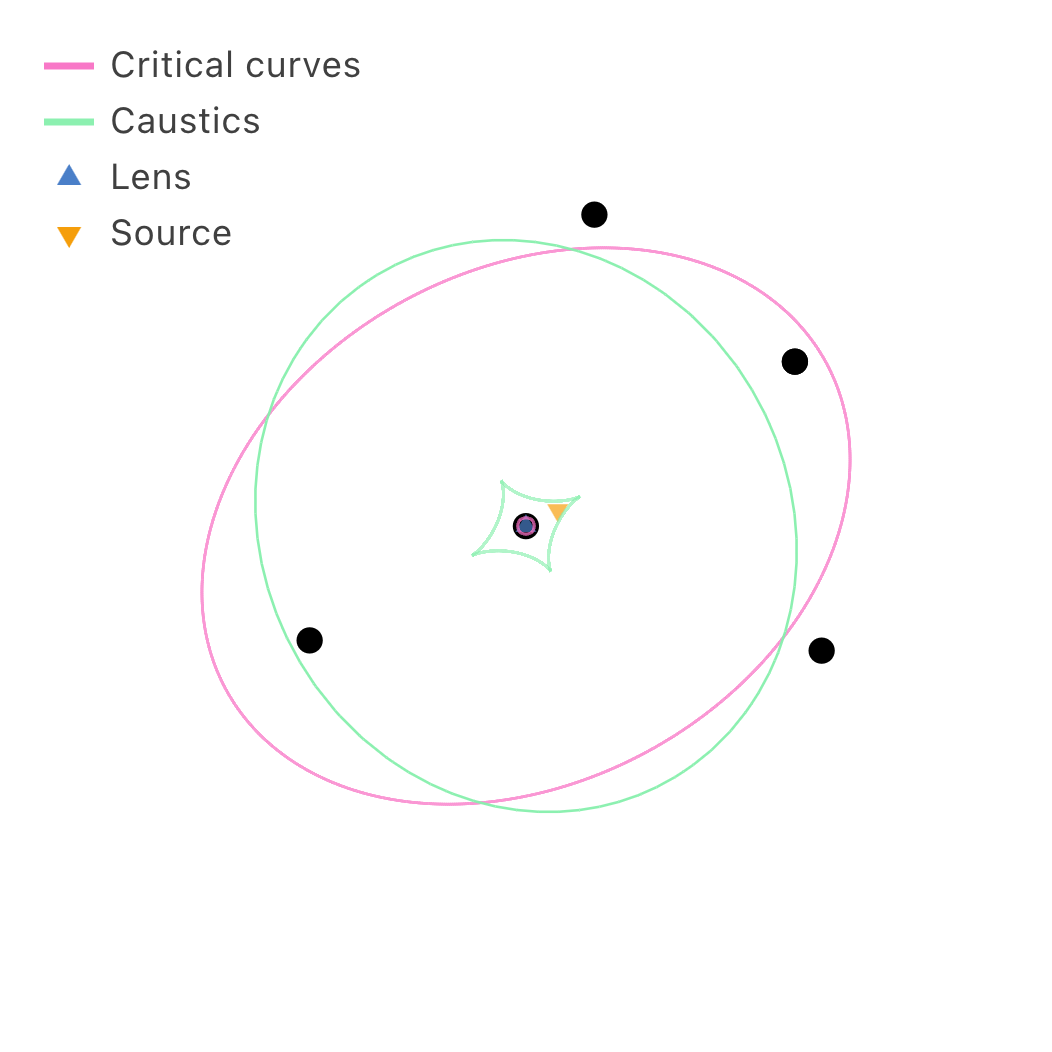
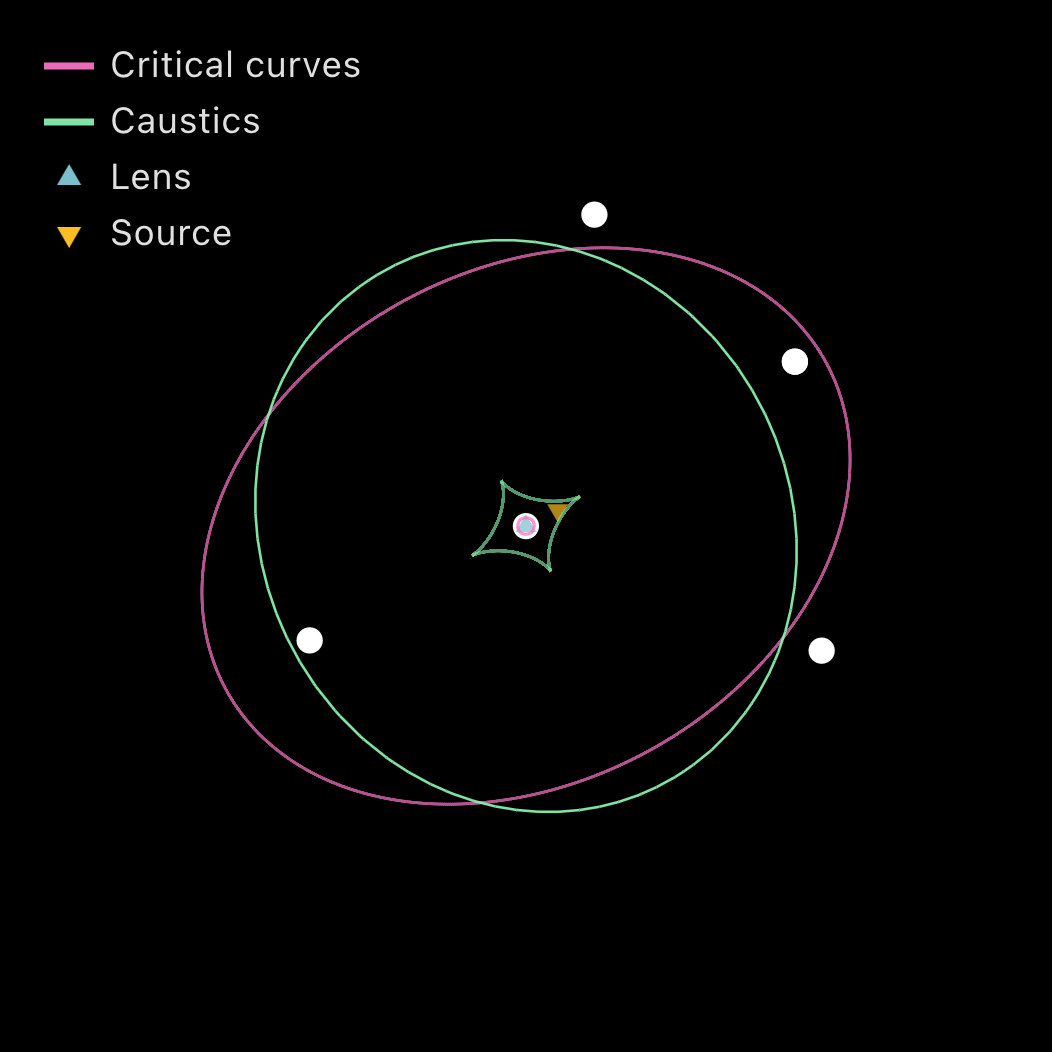
A mathematically point-like source for simulating quasars or other compact objects. The source position $(c_x, c_y)$ is specified in the source plane; the simulator finds all image positions $\lbrace\theta_i\rbrace$ by solving the lens equation $\beta(\theta) = (c_x, c_y)$ numerically, then draws a circle of fixed angular radius $\sigma$ at each $\theta_i$ in the image plane.
Image positions are found via a two-stage algorithm: a coarse grid search using sign-change topology to locate starting guesses, followed by Newton–Raphson refinement with backtracking line search until $\lvert F(\theta)\rvert^2 \lt 10^{-14}$ arcsec². Converged solutions closer than $10^{-5}$″ are merged. Because the circles are drawn in the image plane with fixed size, they are not stretched or sheared by lensing; this is appropriate for modelling the PSF-limited appearance of a quasar image.
Heads up. Einstein rings and arc-shaped images do not appear in this mode. Use a Gaussian or uniform disc source for extended-emission lensing. Highly demagnified images (such as the central odd image of an SIE lens) may be missed by the grid search.
The grid density used for image finding is set in the Settings tab (the gear icon) as Point source, the number of sample points across the field of view (Coarse 150, Medium 300, Fine 600, or Very fine 1200). Denser grids find images more reliably near caustics but are slower; the default is Medium (300). Because the count is fixed rather than an absolute angular spacing, the cost stays bounded as the field of view grows to cluster scale.
Pasted image
A user-pasted image is uploaded to the GPU as a WebGL texture. Paste one with Ctrl+V (Cmd+V) while the object is selected, or choose a file with the Load image… button at the top of its controls in the Object panel. At each pixel, $\boldsymbol{\beta}$ is converted to UV coordinates centred on $(c_x, c_y)$ spanning $\pm\tfrac{\text{fov}}{2}$ arcsec, and the texture is sampled with bilinear interpolation from a mipmap chain.
The UV is clamped before the fetch and the result masked afterwards, rather than the shader returning early outside the rectangle. A mipmapped texture fetch reached through non-uniform control flow has undefined derivatives, and since the GPU chooses the mip level from those derivatives per $2\times2$ pixel quad, the quads straddling the image border used to collapse toward the $1\times1$ mip. That level is the average colour of the whole image, so a ring of flat, usually bright square blocks appeared along every edge of the lensed image. Masking keeps the fetch in uniform control flow and the derivatives well defined.
Unlike the analytic profiles, a pasted image carries a geometric footprint rather than deriving its coverage from its brightness: it is opaque wherever it exists, so its dark regions hide what is behind them instead of letting the backdrop show through (§7). The footprint is $1$ inside the rectangle and falls to $0$ across a feathered border,
\[A = \prod_{i \in \{u,v\}} \operatorname{smoothstep}\!\big(0,\ w,\ \min(uv_i,\, 1 - uv_i)\big), \qquad w = \min\big(\tfrac{3}{2}\,\text{fwidth}(uv) + w_\text{blend},\ 0.45\big).\]The base width tracks the screen-space UV gradient, so the border stays roughly a pixel and a half soft no matter the local magnification. A width fixed in source UV instead smears broadly where the image is stretched along an arc and hardens into an aliased staircase where the image is demagnified. Edge blend adds $w_\text{blend}$ on top, up to $0.4$ in UV units, dissolving the rectangle into the field; the cap keeps a strongly demagnified image from feathering itself out of existence.
Because coverage is now geometric, Brightness on a pasted image darkens the picture rather than fading it toward the backdrop. Use Edge blend, or hide the object, to let the field through.
A picture you paste or upload is yours alone: the pixels are never written into a saved config (§9). A config can name one of the images shipped with the site, through an optional image: key on the object, which is how the Realistic preset (§11) arrives with its galaxies already in place. The name is validated against the same one-directory allowlist as the backdrop’s bgImage (§7), so a config file can never make the browser fetch an arbitrary address; loading your own picture into such an object drops the name, since the pixels are no longer the ones it referred to.
Contrast and Saturation shape the picture itself, before Brightness scales the light it contributes. Writing $Y = 0.2126\,r + 0.7152\,g + 0.0722\,b$ for the Rec. 709 luma of the sampled texel $\mathbf{c}$,
\[\mathbf{c}' = \operatorname{clamp}\Big(\big(\operatorname{mix}(Y,\ \mathbf{c},\ s) - \tfrac12\big)\,k + \tfrac12,\ 0,\ 1\Big),\]with saturation $s \in [0,2]$ (0 = greyscale, 1 = as supplied) and contrast $k \in [0.3, 2.5]$ expanding about mid grey. Contrast is the one to reach for when a lensed picture reads as weak: composited against an empty field and spread along an arc it loses its shadows, and $k > 1$ pushes them back down while leaving mid grey fixed. Both run before the amplitude so raising contrast cannot simply be undone by Brightness.
Apply brightness stretch (off by default) decides whether the picture goes through the surface-brightness stretch below along with the analytic sources. It is off because a photograph’s pixel values are already display-encoded, whereas the stretch exists to lift the faint end of a physical surface-brightness profile: the default square root sends $0.25 \to 0.5$ and $0.5 \to 0.71$, lifting the midtones by about 40% and crowding everything above mid grey into the top of the range, which reads as a washed-out, blown-out picture. With the toggle off the supplied tones reach the screen unchanged, the same treatment the backdrop already gets (§7). Turn it on to put a picture on the same photometric footing as the analytic sources, for instance when the image is itself a rendered surface-brightness map rather than a photograph.
Compositing and brightness stretch
Contributions from all source objects across all planes are summed per pixel to give a linear intensity $I \in [0,\infty)$ (a pasted image contributes its colour premultiplied by the footprint $A$ above). Hidden objects contribute nothing to the sum, nor to deflection or critical curve computation. The sum is clamped to $[0,1]$ and passed through a nonlinear stretch before display. Pasted images with Apply brightness stretch off are held out of that sum and added after the stretch instead,
\[I_\text{src}' = f\big(\operatorname{clamp}(I_\text{analytic} + I_\text{stretched},\,0,\,1)\big) + I_\text{as-is},\]so their tones survive intact while analytic light still adds on top of them.
The dynamic range of astrophysical sources (bright ring core to faint extended arcs) far exceeds what a monitor can show linearly, so the stretch is essential. In surface-brightness mode the Color Map section of the View tab is titled Brightness stretch and exposes the same machinery used for the quantity maps (§4), applied independently to each RGB channel:
- Min / Max (default $0$ and $1$): intensities at or below Min map to the background; at or above Max they saturate.
- Scale: Linear, Square root (default, $\gamma=0.5$), Log, Power law ($\gamma \in [0.1, 2]$; lower $\gamma$ lifts faint emission more aggressively), or Asinh ($a \in [0.5, 20]$; near-linear at low intensity, logarithmic at high, the stretch used by SDSS, HST, and modern survey pipelines, Lupton et al. 2004).
With the default Min/Max of $0$ and $1$ the Square root, Power law, and Asinh curves all satisfy $f(0)=0$ and $f(1)=1$, reproducing the classic tone-mapping curves exactly. The colour-palette dropdown is hidden in this mode, since the lensed image carries its own colour.